
Please note: This guide is for the new Vault. If your Vault has a menu down the left side, see Which Vault am I using?
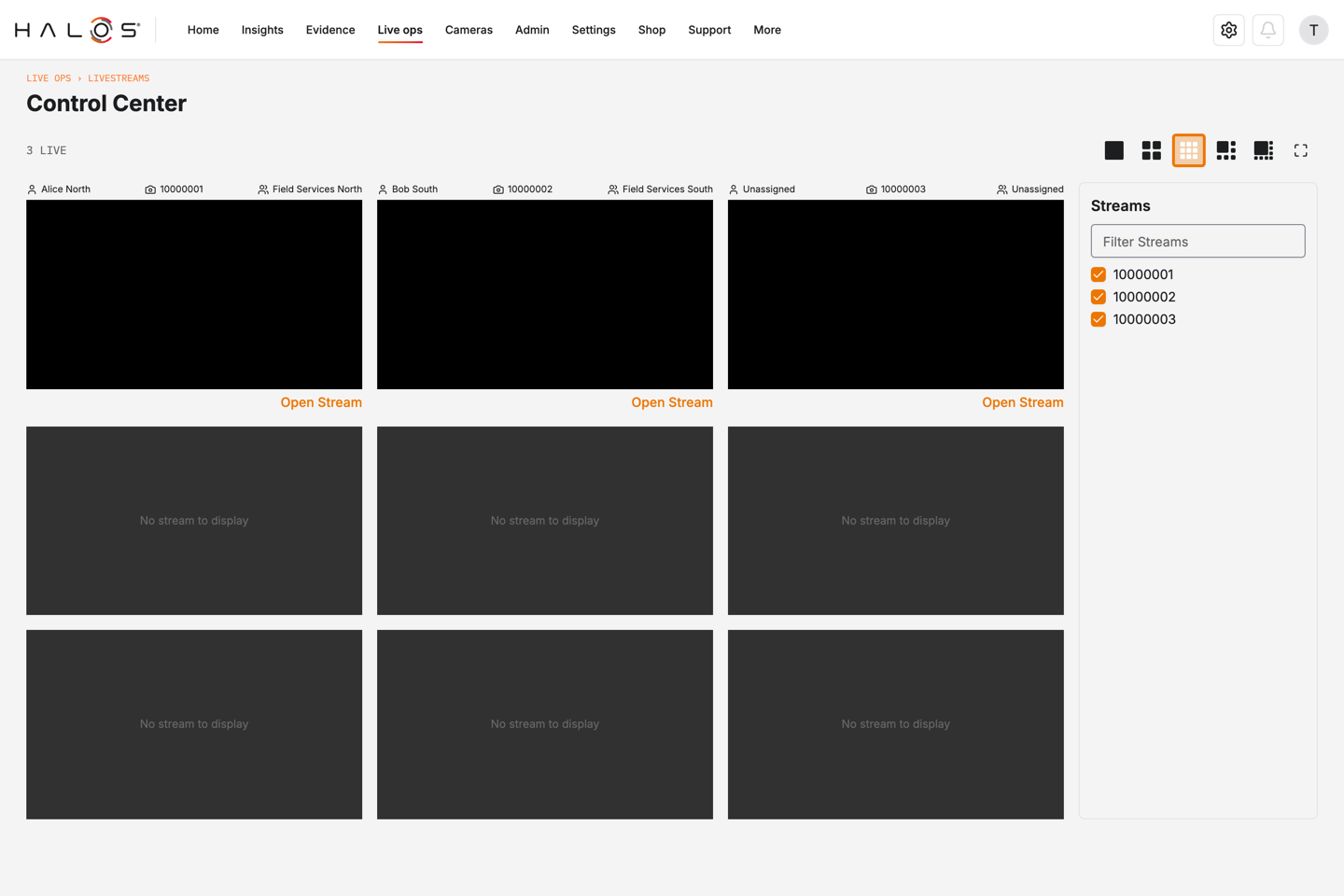
Control Center shows every live stream you can access as a tile on one screen.
- Open Live ops, then Control Center.
- Choose a layout: 1x1 View, 2x2 View, 3x3 View (the default), 3x3 View with Large Player or 4x4 View with Large Player.
- Live streams fill the free tiles automatically. To choose which streams show, tick or untick them in the side panel. You can filter the panel by serial number.
- Drag a tile onto another to swap them.
- Click Open Stream on a tile to open it in the full player, or use full screen to fill your display.
Who can use this: Control Center is switched on by HALOS Support for organisations that include it. If you don't see Control Center in the menu, ask your org admin to contact HALOS Support.