
Please note: This guide is for the new Vault. If your Vault has a menu down the left side, see Viewing uploaded videos in the Vault section.
To find a video:
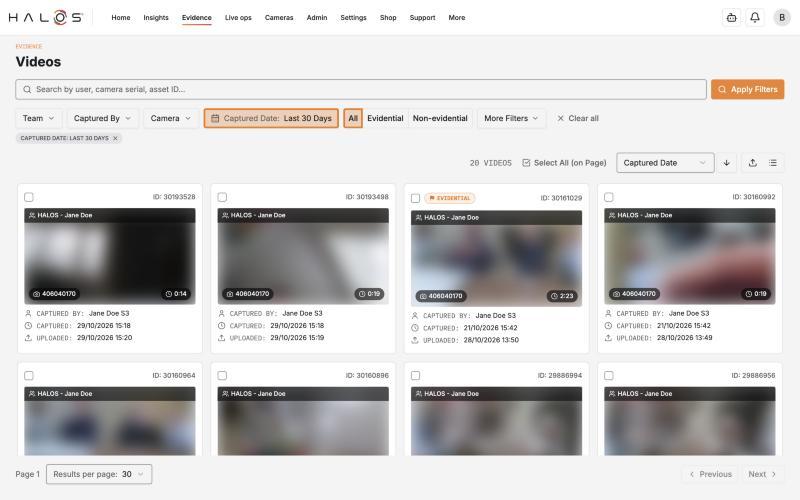
- Open Evidence, then Videos. In field service organisations this is Jobs, then Jobs Recorded.
- If you work across more than one organisation, choose the organisation in the header at the top. Vault remembers your last choice.
- The list shows the last 7 days. Type in the search box, or use the filters for team, user, camera, date, camera type and evidential, then click Apply Filters.
- Switch between list and grid with the view buttons. You can show 30 or 60 videos per page.
- Click a video to open its page.
Share what you're looking at
Your filters are saved in the page link. Copy the link from your browser's address bar and send it to a colleague. When they open it, they see the same filters, starting from the first page. They only see videos they have access to.