
Please note: This guide is for the new Vault. If your Vault has a menu down the left side, see Viewing camera status information in Vault in the Vault section.
Who can use this: Camera status is switched on by HALOS Support for organisations that include it. If you can't see it, ask your org admin to contact HALOS Support.
On the cameras list
- Click Cameras in the top menu.
- Each camera shows its Status, Battery Level, Available Storage and Last Powered-On Date.
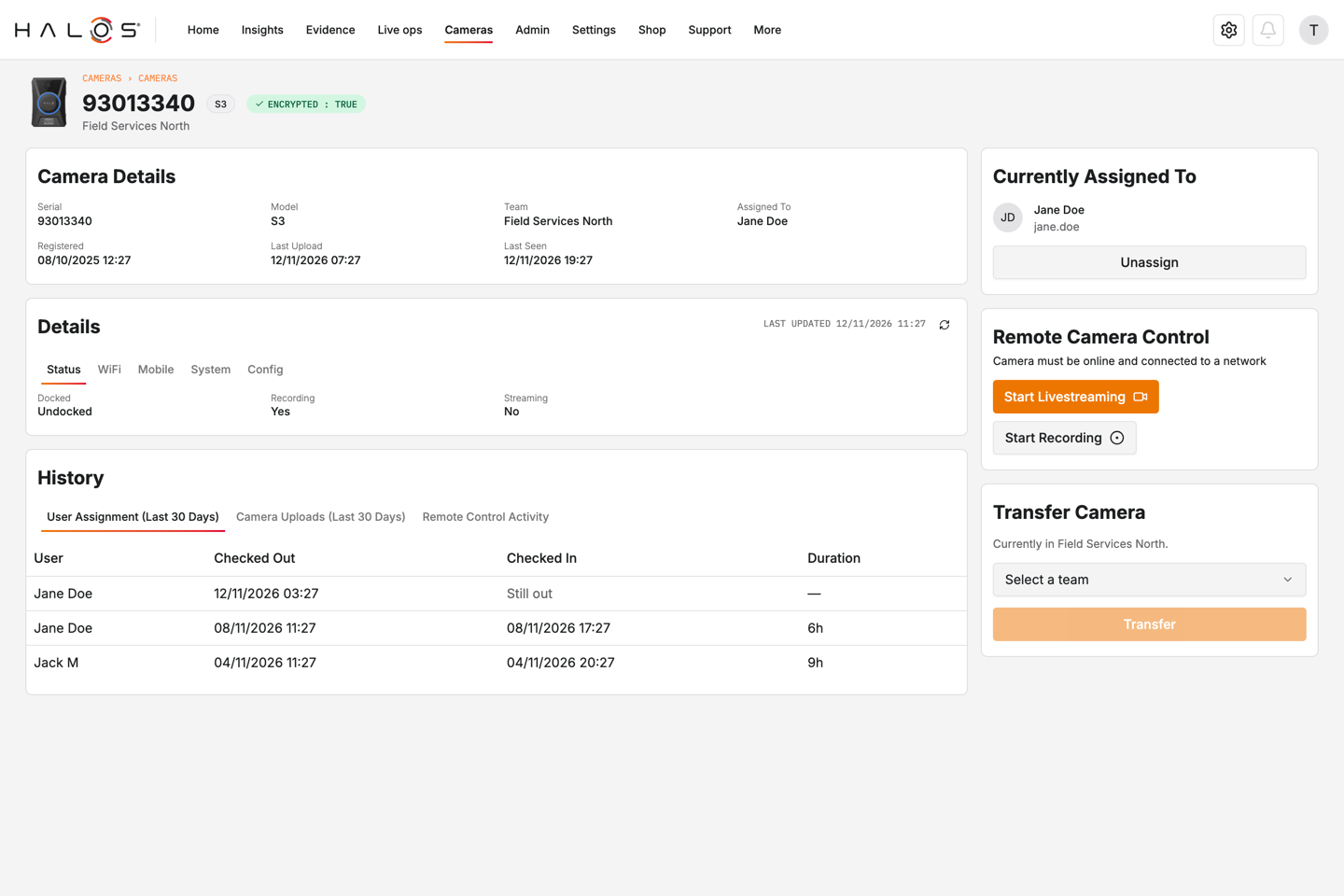
On the camera's page
- Open the camera's page.
- The status card shows the camera's current state, with tabs for Status, WiFi, Mobile, System and Config. The page refreshes every minute and shows when it was last updated off the camera.
Please note: Only Horizon cameras report live status. Nano cameras don't, so their status fields stay empty.