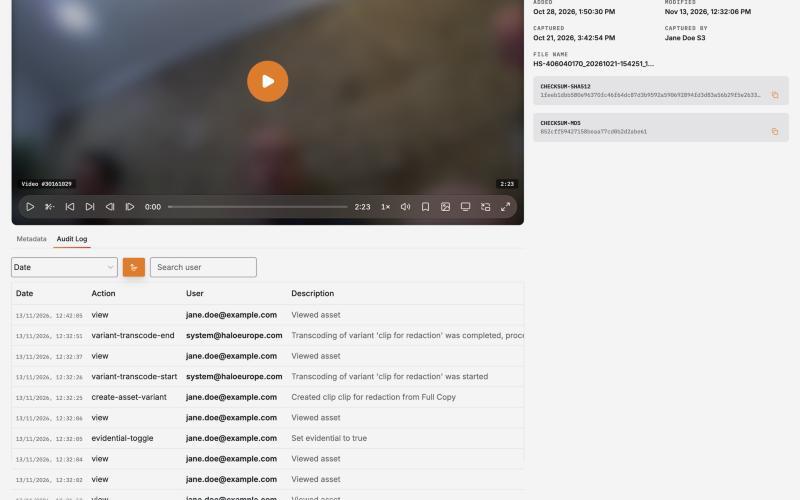
Please note: This guide is for the new Vault. If your Vault has a menu down the left side, see Viewing audit trails of videos in the Vault section.
- Open the video's page.
- Click the Audit Log tab under the player. It lists who viewed or changed the video, and when, including clips made and evidential changes. Sort by date or search for a user.
- To keep a copy, click Download CSV, if your role allows it.