
Please note: This guide is for the new Vault. If your Vault has a menu down the left side, see Viewing a livestream in the Vault section.
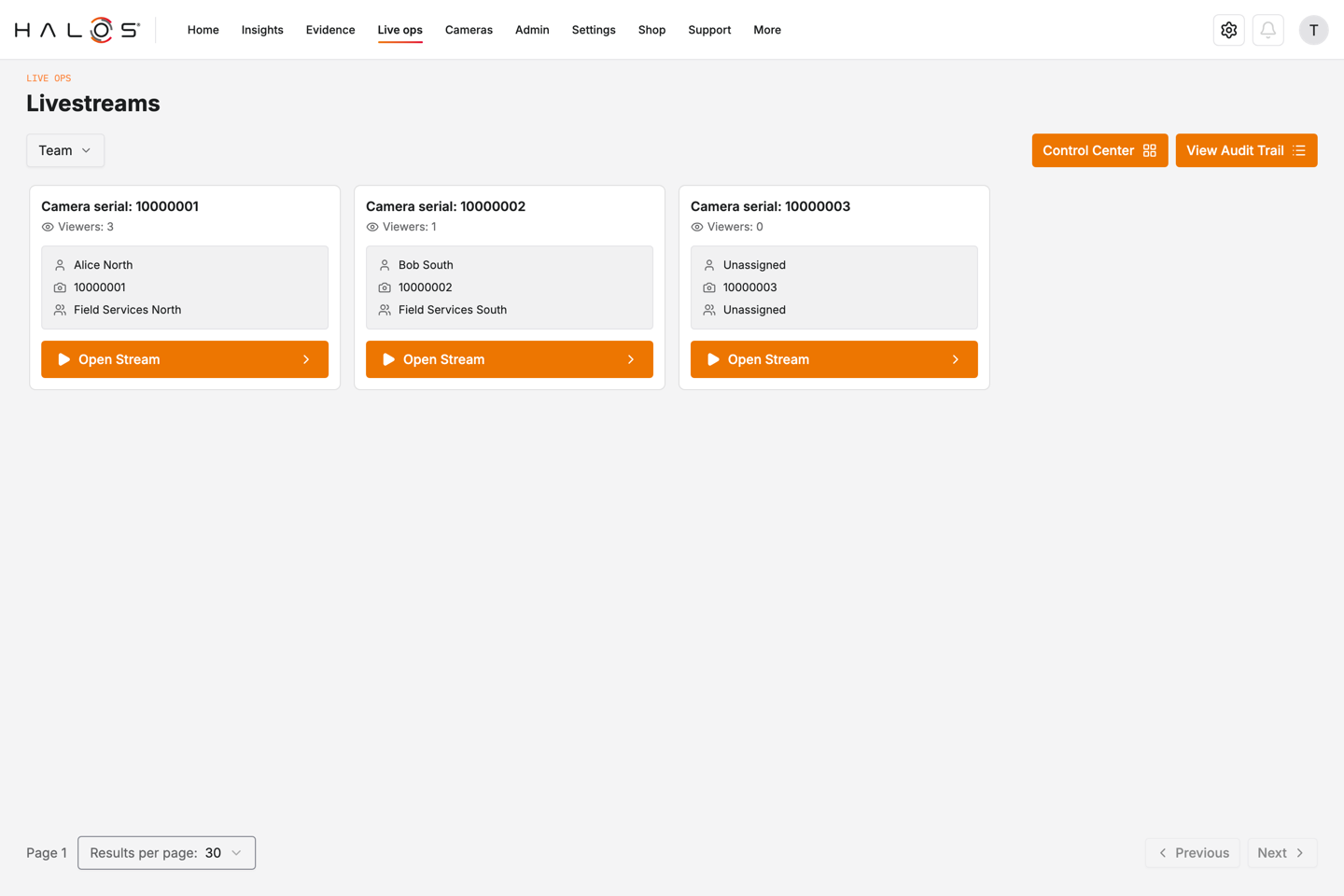
- Open Live ops, then Livestreams.
- Each card shows the camera, who has it, its team and how many people are watching. Cameras marked Two-way Comms enabled let you talk to the wearer. Filter by team to narrow the list. It refreshes every 10 seconds.
- Click Open Stream to open the player. The stream starts muted, so turn the sound on to hear it.
If you get a panic alert or a "Livestream started" notification, clicking it opens the stream in the same player.
To watch several streams at once, see Watching several streams in Control Center.