Please note: This guide is for the new Vault. If your Vault has a menu down the left side, see Setting a case file as default in the Vault section.
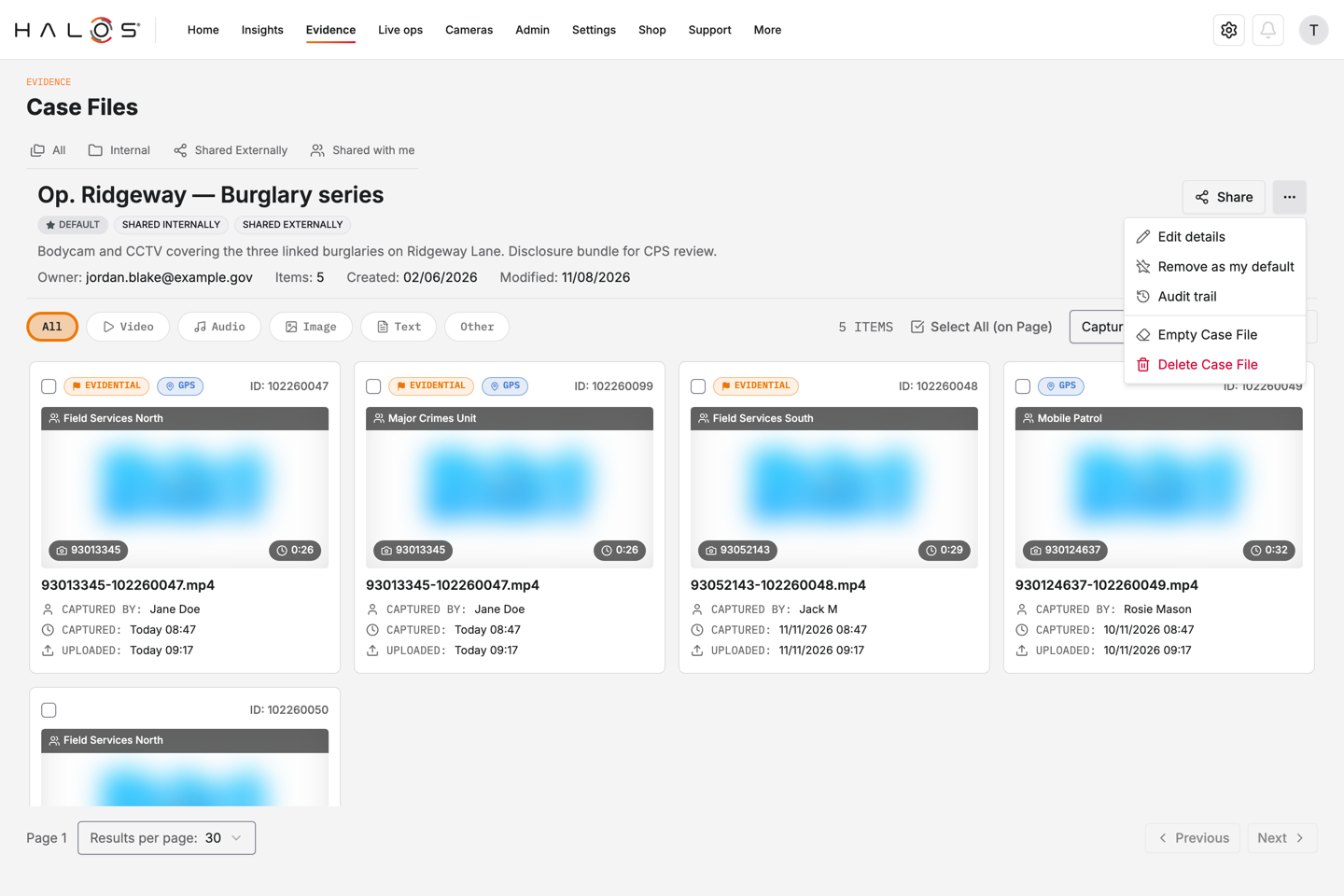
Your default case file is the one you add videos to most often: videos go into it in one click. Each person sets their own.
- Open Evidence, then Case files, and click the case file.
- Open the ⋯ menu next to Share and choose Set as my default. The case file shows a Default badge.
- To undo this, choose Remove as my default.