Please note: This guide is for the new Vault. If your Vault has a menu down the left side, see Which Vault am I using?
The livestream audit trail shows who watched which stream and when.
- Open Live ops, then Livestreams, and click View Audit Trail.
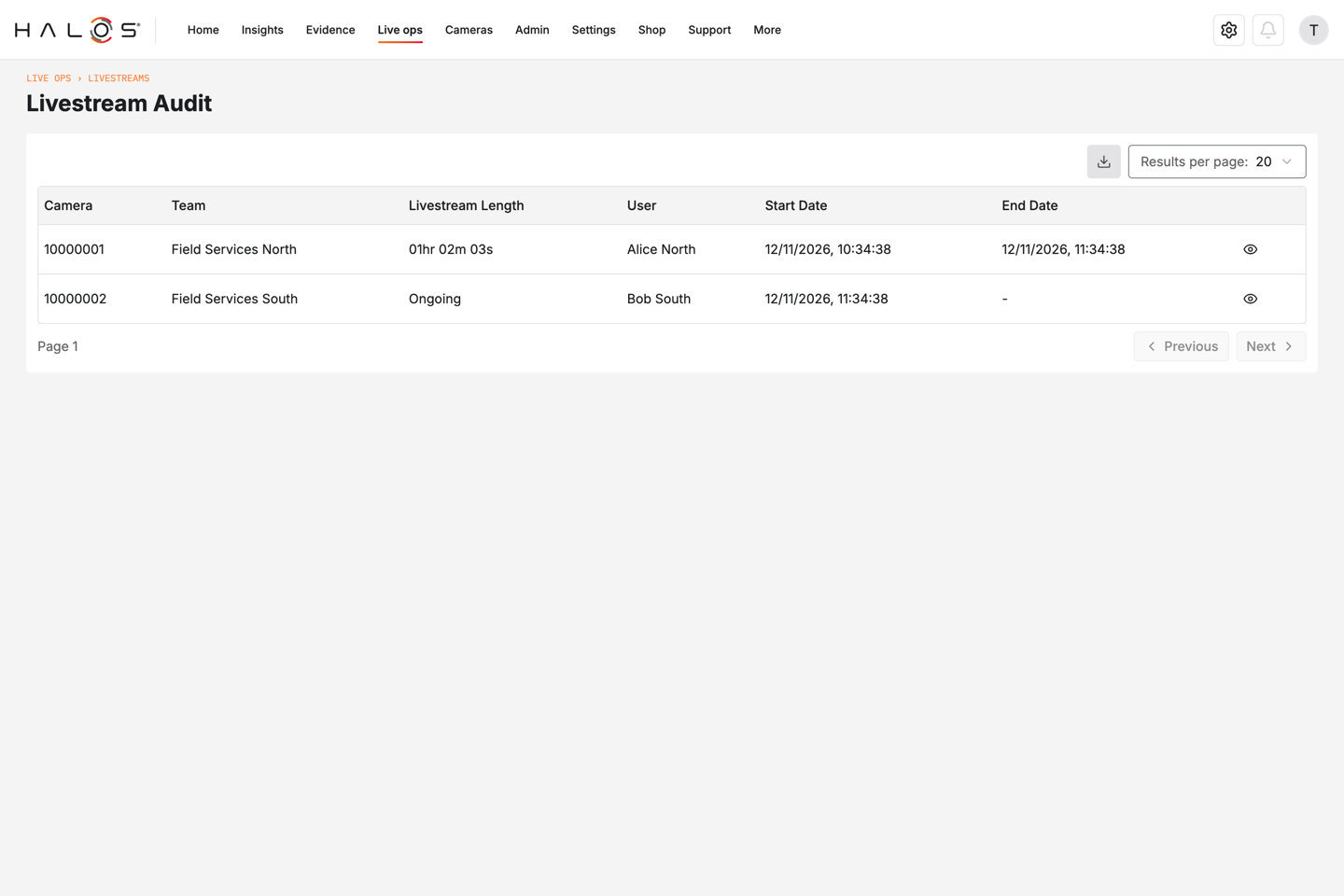
- The table shows each stream's camera, team, length, user, and start and end dates.
- Click the eye icon on a row to see who watched that stream, and when.
- To keep a copy, click Download as CSV. Choose a date range of up to 90 days (the last 30 days by default), and turn on Include Viewers if you want the viewer list too. This depends on your role.