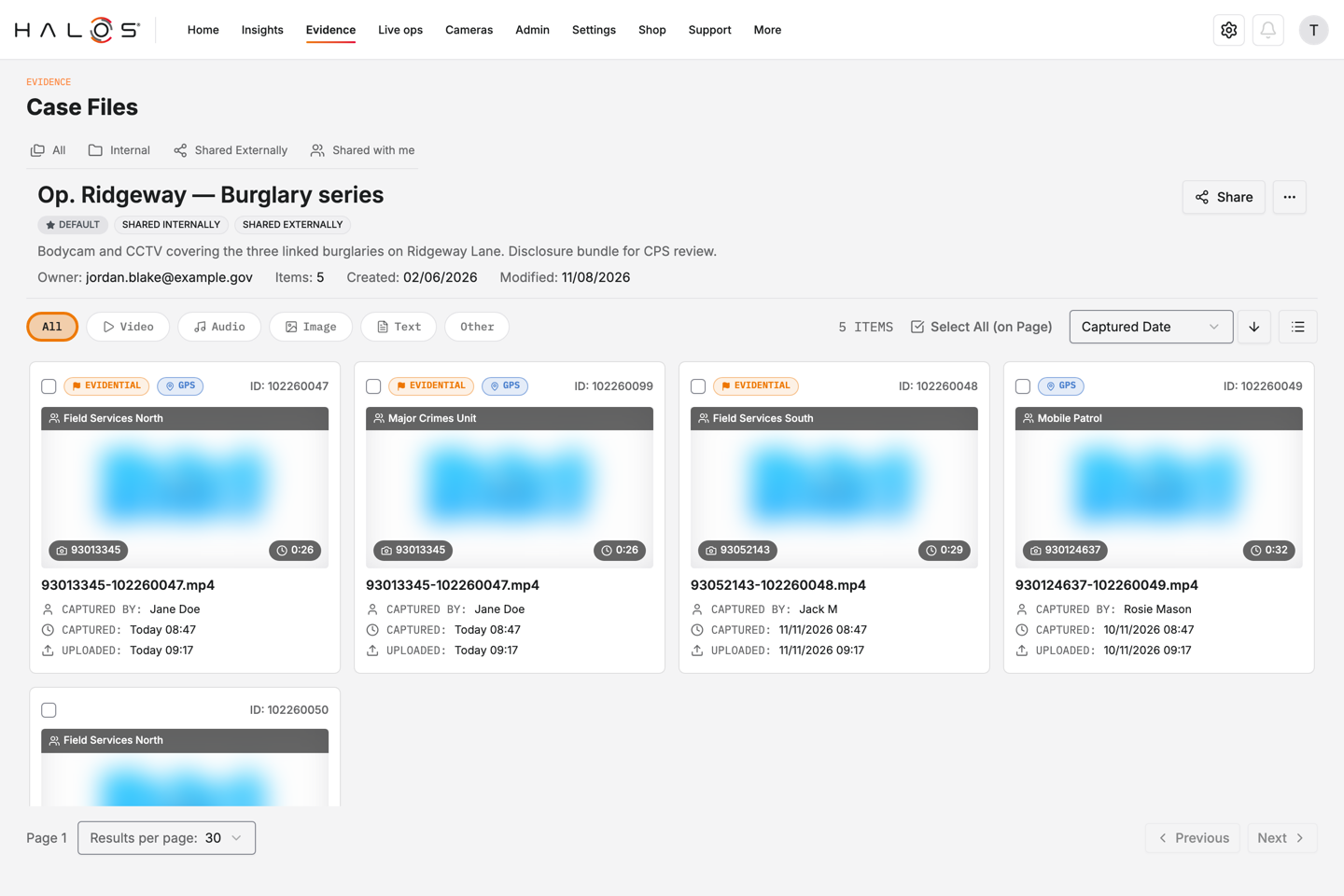
Please note: This guide is for the new Vault. If your Vault has a menu down the left side, see Removing videos or assets from a case file in the Vault section.
- Open Evidence, then Case files, and click the case file.
- In its contents, tick the items you want to remove.
- Choose Remove from Case File and confirm.
Removing an item only takes it out of the case file. The video or file itself isn't deleted.