
Please note: This guide is for the new Vault. If your Vault has a menu down the left side, see Remotely starting a livestream or recording via Vault in the Vault section.
Who can use this: Remote control works on Horizon cameras. HALOS Support switches it on for organisations that include it. If you don't see the Remote Camera Control panel, ask your org admin to contact HALOS Support.
- Click Cameras in the top menu and open the camera's page. The camera must be switched on and connected to a network.
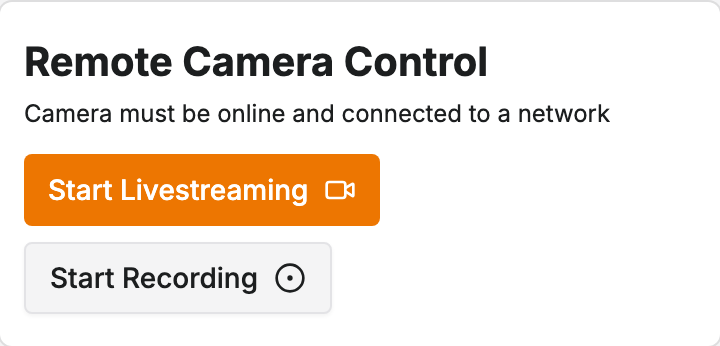
- In the Remote Camera Control panel, click Start Recording or Start Livestreaming.
- The button shows Connecting... until the camera answers, then a message confirms, for example Livestream started.
- To stop, click Stop Recording or Stop Livestreaming.
The panel disconnects after 5 minutes without use. Livestreaming over mobile data uses more battery.
Every remote start and stop is recorded in the camera's remote control history.