
Please note: This guide is for the new Vault. If your Vault has a menu down the left side, see Downloading videos in the Vault section.
Download one video
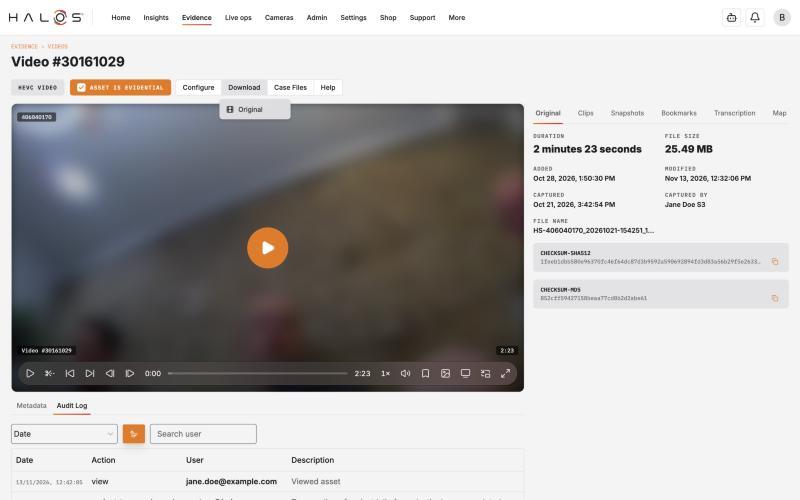
- Open the video's page.
- Open the Download menu at the top of the page and choose the version you want.
Download several videos
- Open Evidence, then Videos.
- Tick the videos you need and choose Download.
- You can download up to 50 videos or 5 GB at a time. We prepare the download in the background and email you a link when it's ready.