
<img alt="" src="https://secure.east2pony.com/208891.png" style="display:none;">
Skip to content
English
  • There are no suggestions because the search field is empty.

Creating snapshots of a video (new Vault)

Guide on how to take a snapshot from a video

Please note: This guide is for the new Vault. If your Vault has a menu down the left side, see Creating snapshots of a video in the Vault section.

  1. Open the video's page and pause at the frame you want.
  2. Click Create snapshot (the image icon) in the player controls.
  3. Your snapshot appears in the Snapshots tab.
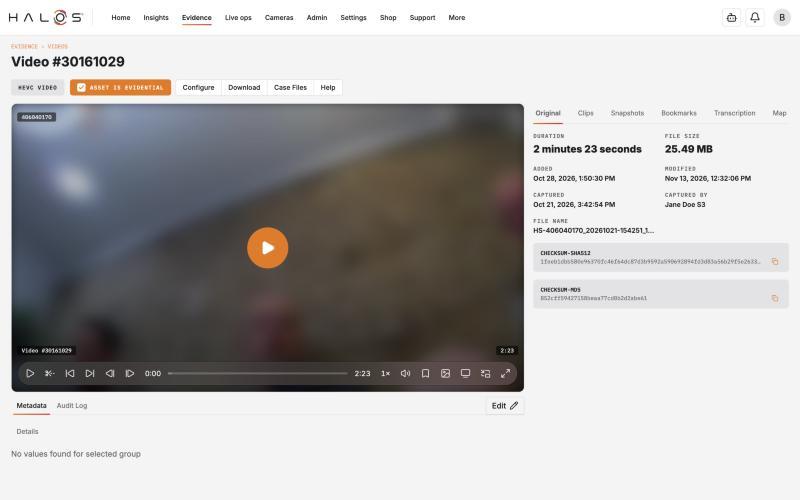
Video page with the player controls and Snapshots tab