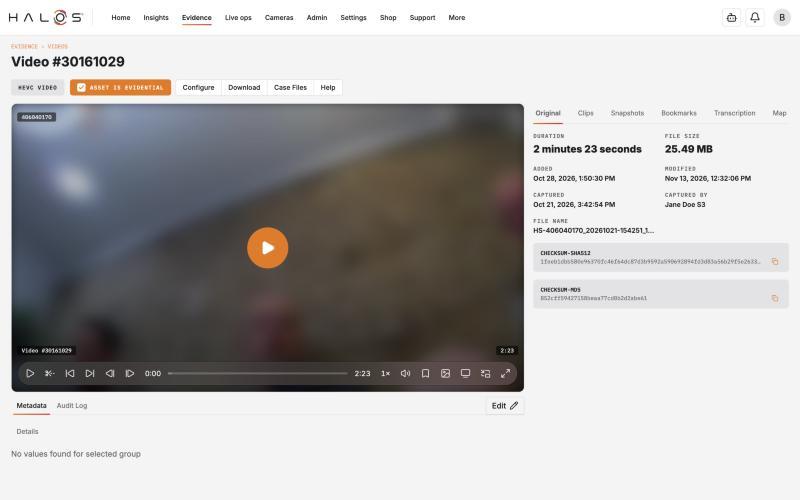
Please note: This guide is for the new Vault. If your Vault has a menu down the left side, see Adding bookmarks to videos in the Vault section.
- Open the video's page and play or move to the moment you want.
- Click Create bookmark (the bookmark icon) in the player controls. Give the bookmark a name, and a start and end time.
- Your bookmark appears in the Bookmarks tab. Each bookmark has its own link, so you can send a colleague straight to that moment.